微信内可能无法直接打开本站。请点右上角 ··· → 在浏览器打开,或复制链接。
You don’t need a Pixel 11 to try Google’s new Pixel Search app
RSS 官方收录 · 可信分层展示
关键摘要
Credit: Joe Maring / Android Authority TL;DR Pixel 11 introduced a preinstalled Pixel Search app that expands the app drawer search bar to surface additional content, such as photos and emails.…
- Google didn’t announce any plans to expand Pixel Search to other phone…
- As we’ve now found, older Pixel phones can run the Pixel Search app vi…
- The Pixel 11 series comes with a new Pixel Search app that expands the…
规则摘要 · 来源可核验
正文提要
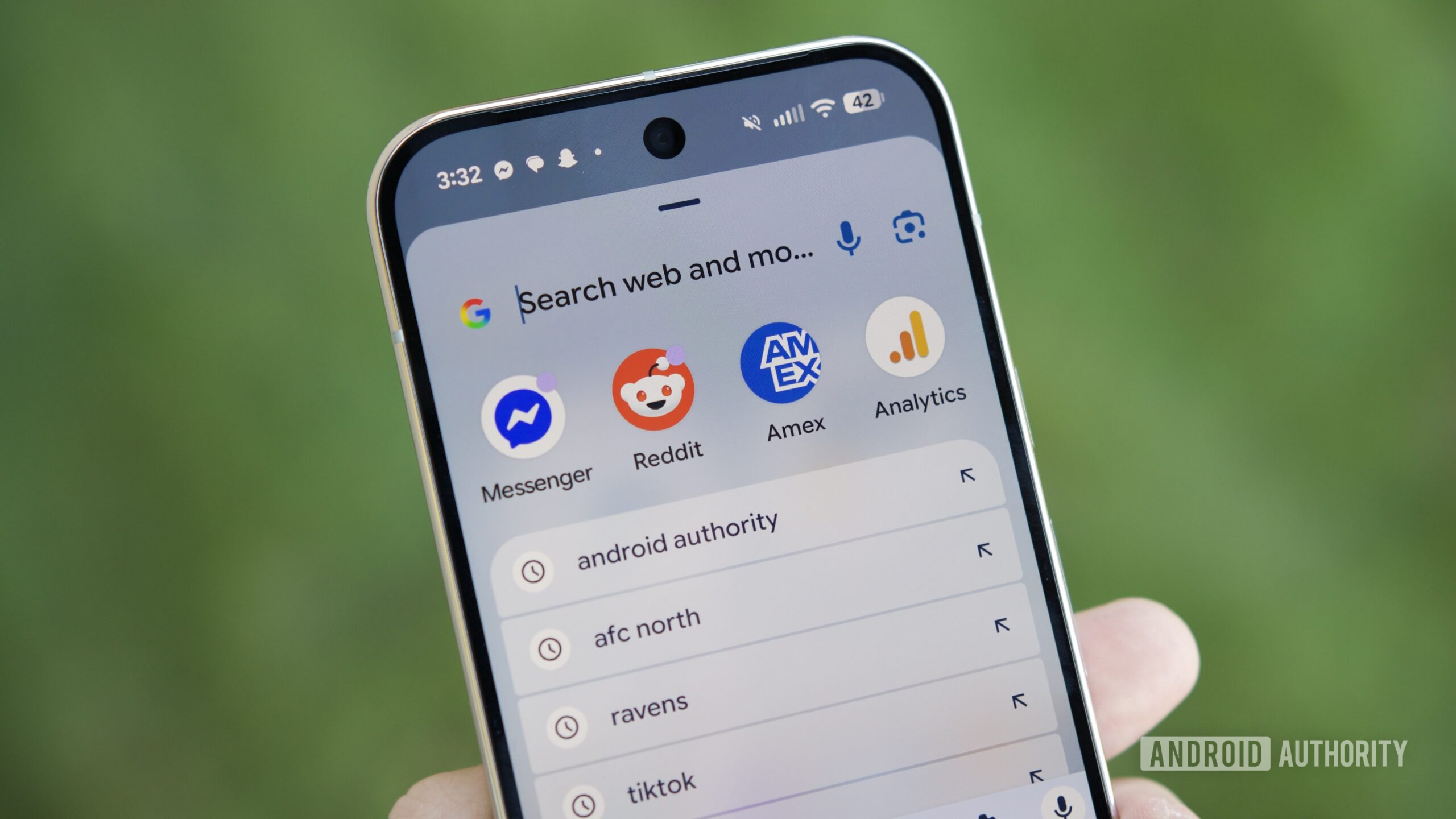
- Pixel 11 introduced a preinstalled Pixel Search app that expands the app drawer search bar to surface additional content, such as photos and emails.
- Google didn’t announce any plans to expand Pixel Search to other phones, though the app listing was briefly accessible on Samsung’s Galaxy Z Fold 8 lineup before Google corrected and clarified that this was unintended.
- As we’ve now found, older Pixel phones can run the Pixel Search app via sideloading, but it requires Android 17 QPR2 Beta 5 or newer to function properly.
The Pixel 11 series comes with a new Pixel Search app that expands the capabilities of the phones’ app drawer search bar, allowing users to surface additional information, such as photos and emails. Pixel Search comes preinstalled on the Pixel 11 series and is updated through the Play Store, but you can’t use it on older Pixels — not yet, anyway. If you’re willing to take matters into your own hands, you can get it to work on your older Pixel.
As we found out, the new Pixel Search app can be sideloaded and used on older Pixel phones, but there is a catch: Your phone must be running Android 17 QPR2 Beta 5 or newer for the app to work.