微信内可能无法直接打开本站。请点右上角 ··· → 在浏览器打开,或复制链接。
Good Lock, bad lock screen: Weird bug messes with clock placement following One UI 9 update
RSS 官方收录 · 可信分层展示
关键摘要
Credit: Aamir Siddiqui / Android Authority TL;DR Samsung has confirmed a Good Lock ClockFace bug that can move lock screen clocks from their chosen position.…
- The issue was reported by a Galaxy S26 Ultra owner after updating to O…
- Samsung is investigating and recommends using a default clock style as…
- Good Lock is supposed to give Galaxy owners more control over how One …
规则摘要 · 来源可核验
正文提要
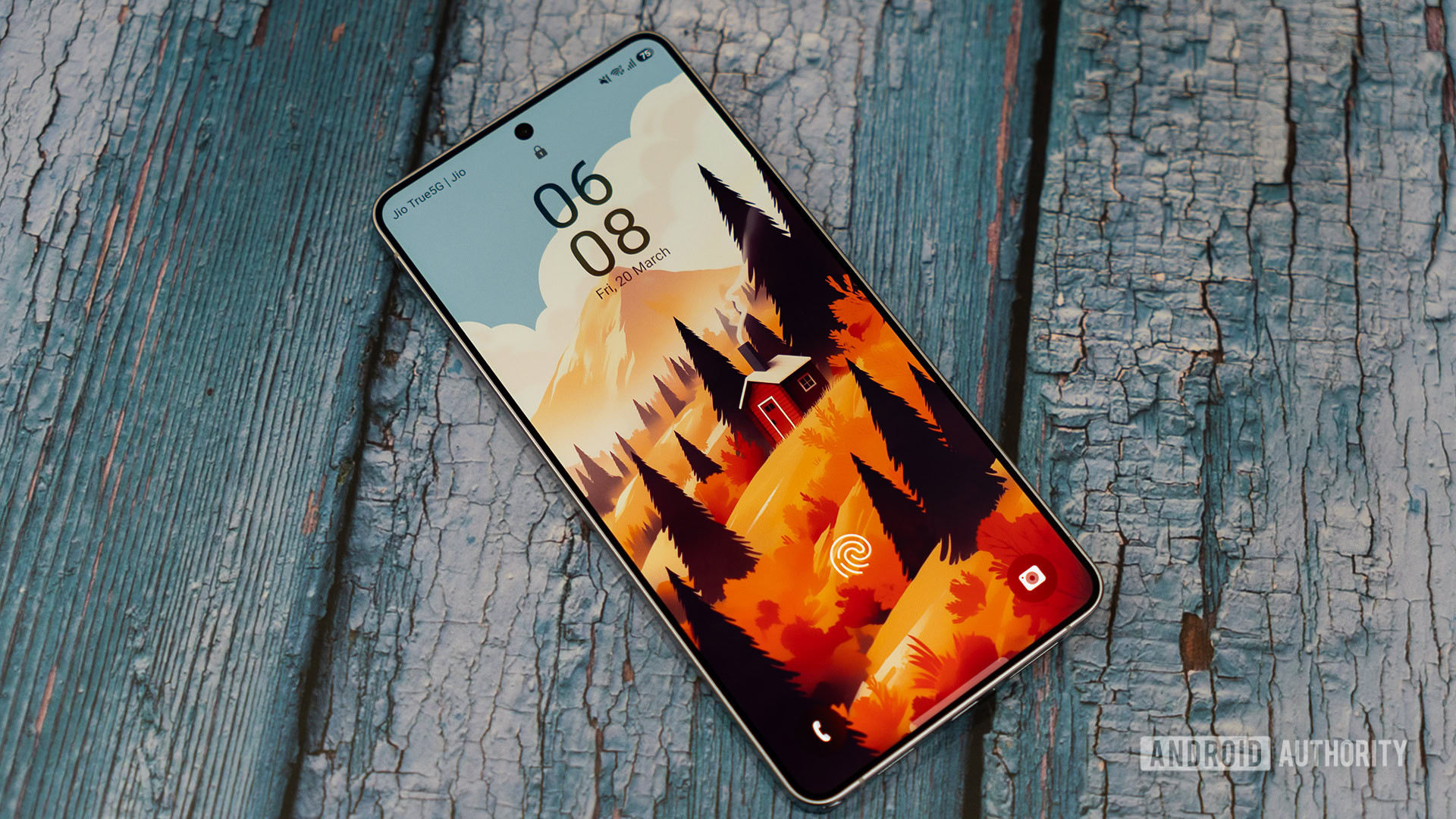
- Samsung has confirmed a Good Lock ClockFace bug that can move lock screen clocks from their chosen position.
- The issue was reported by a Galaxy S26 Ultra owner after updating to One UI 9.
- Samsung is investigating and recommends using a default clock style as a temporary workaround.
Good Lock is supposed to give Galaxy owners more control over how One UI looks, but one Galaxy S26 Ultra user has found their carefully arranged lock screen doing its own thing after updating to One UI 9. They weren’t imagining it, with Samsung now confirming that there’s an issue affecting clock positioning when using Good Lock’s ClockFace options.
The problem was raised on Samsung’s Korean Community forum by a Galaxy S26 Ultra owner. They showed how the time and date were positioned close together in LockStar, but the actual lock screen and Always-On Display put them much farther apart. The clock itself had moved rather awkwardly to almost the very top of the display.