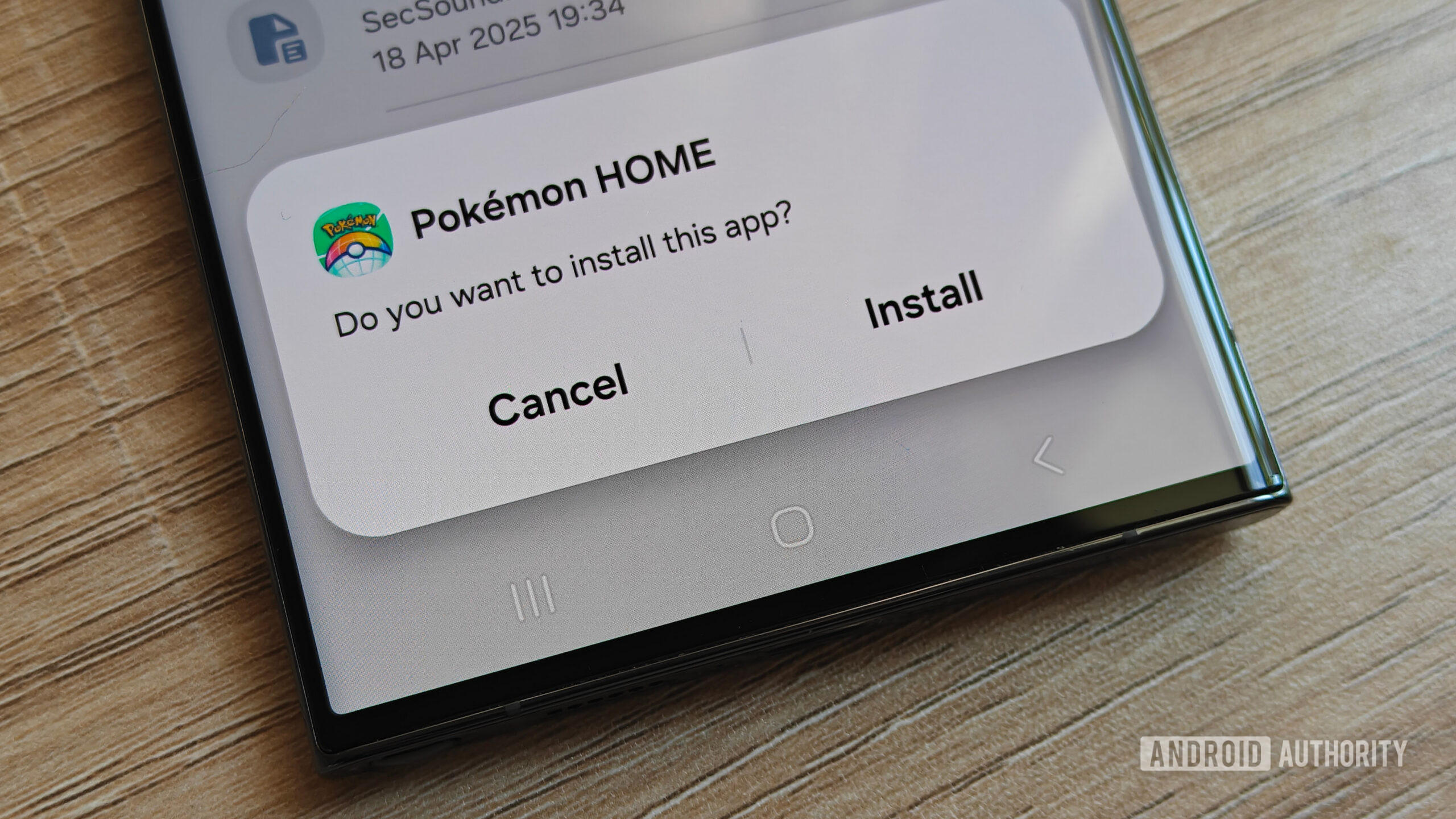
- Certified Android devices running Google Play Services in Brazil, Indonesia, Singapore, and Thailand now actively block apps from unverified developers, with a global rollout set for 2027.
- Users can bypass restrictions via Google’s multi-step “Advanced Flow” (which requires toggling Developer Options, restarting, waiting 24 hours, and a few more taps), ADB, Shizuku, rooting, or by using custom ROMs (like Lineage OS and GrapheneOS).
- Apps installed prior to the policy rollout will continue to work, though updating them requires completing one of the bypass routes.
- Turning off Developer Options after Advanced Flow setup will not revert permissions.
Google’s plan to tighten the reins on Android sideloading has officially taken effect, with developer verification rules now rolling out across Brazil, Indonesia, Singapore, and Thailand. Certified Android devices running Google Play Services now actively block unverified app packages by default in these regions, with a wider global rollout on the cards for 2027. Now that the system is live on users’ devices, community reports are flowing in, exposing the real-world friction these changes are causing.
Reddit user Vintspect_48 shared a comprehensive account of the new sideloading restrictions and their experience with them. The impact of Google’s new developer verification rules extends beyond sketchier off-market apps — it also affects apps hosted on platforms like GitHub and F-Droid, as well as community-patched applications like Morphe. In the case of Morphe, because modified and patch-based apps inevitably alter the APK’s original signing key, the system treats them as unverified and thus halts their installation.